 Zoom Sur Lille Le portail sur la ville de Lille

Retrouvez plusieurs fonds d’écran sur Lille pour votre écran !
Pour installer le fond d’écran sur votre ordinateur, positionnez votre souris sur l’image, faites un clic droit puis « établir en tant qu’élément d’arrière plan » ou « Choisir l’image comme fond d’écran ».
Fond d’écran n°1
 |
Format : 1280×960 |
Fond d’écran n°2
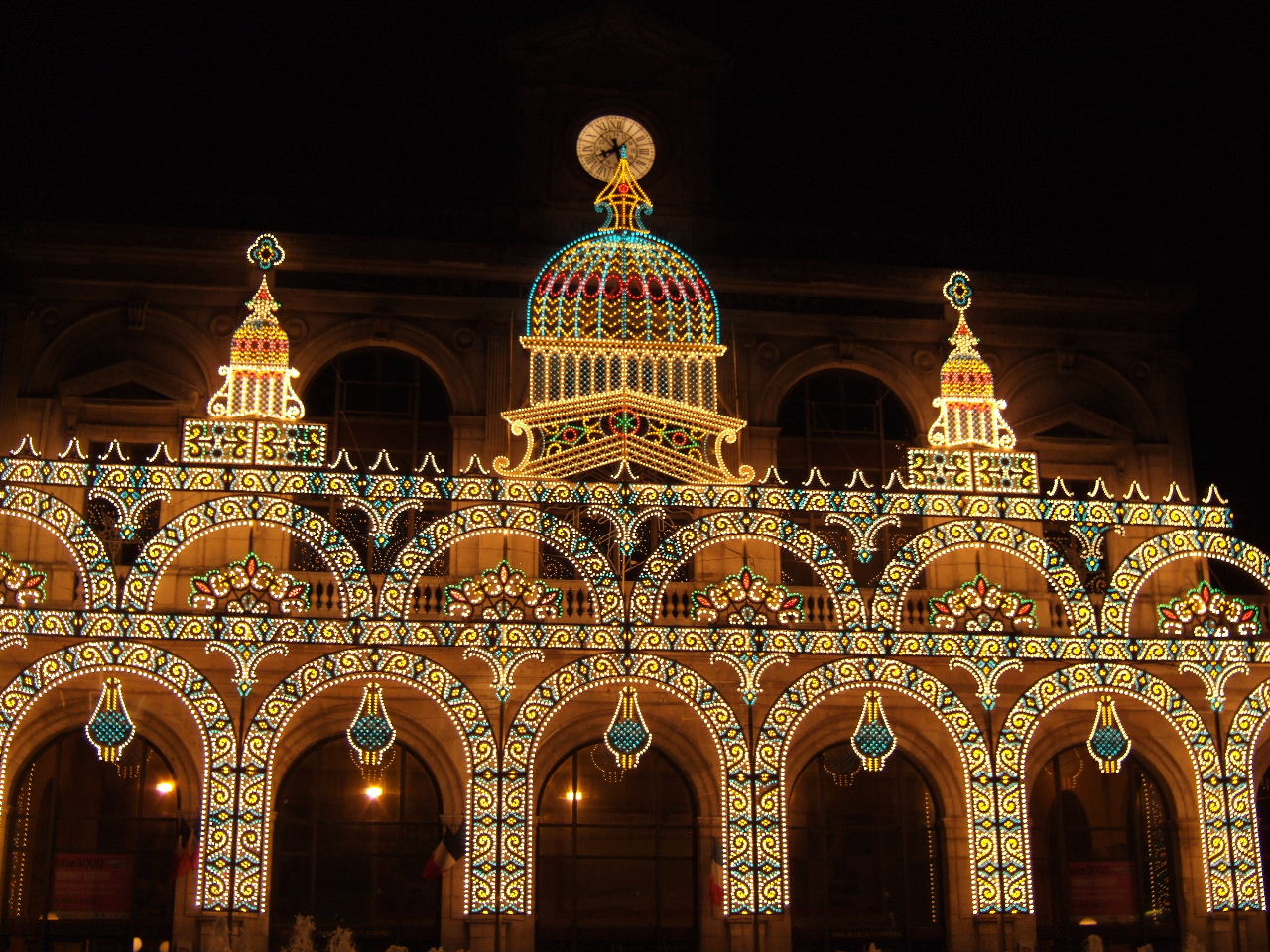 |
Format : 1280×960 |
Fond d’écran n°3
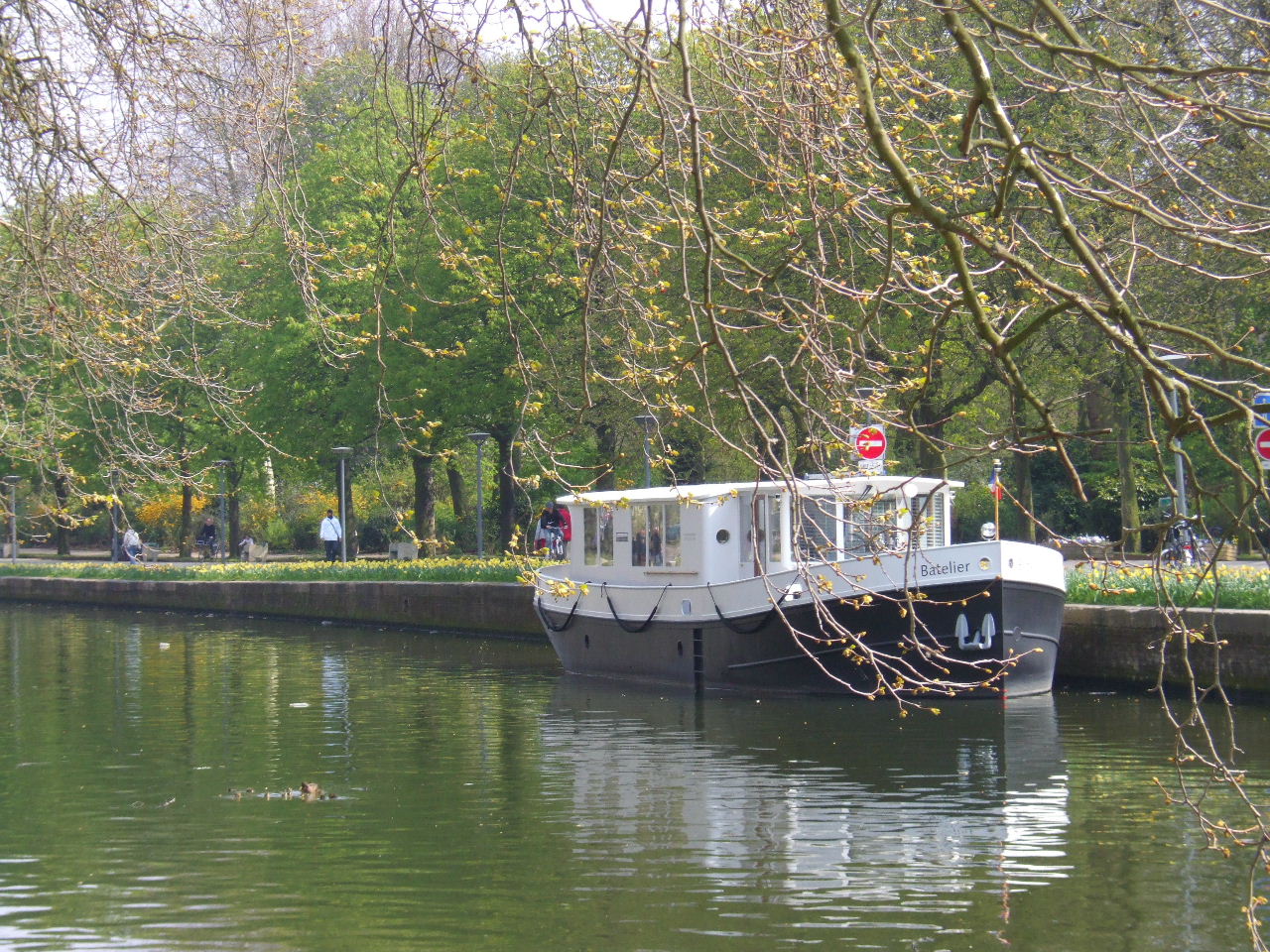 |
Format : 1280×960 |
Fond d’écran n°4
 |
Format : 1280×960 |
Fond d’écran n°5
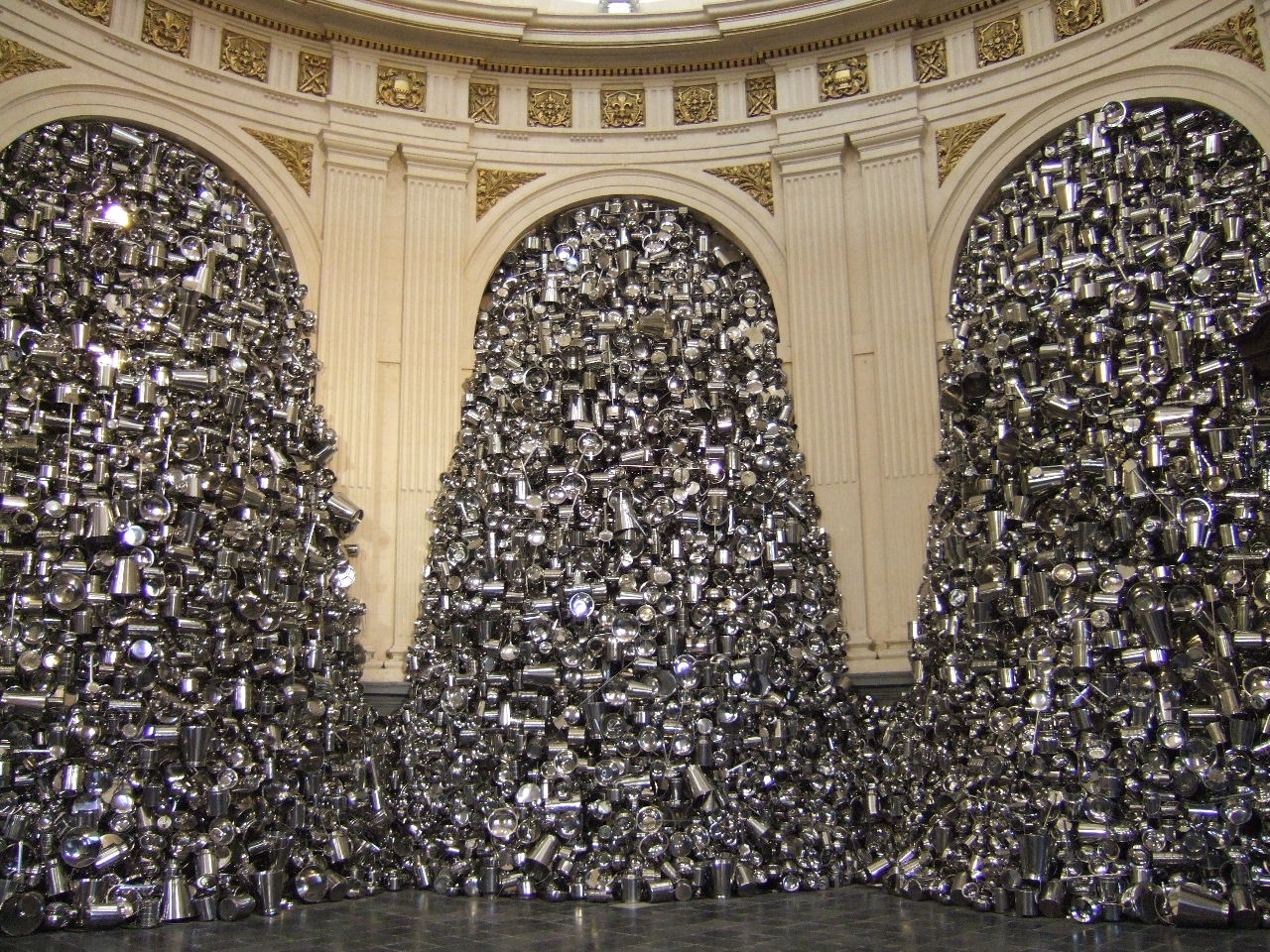 |
Format : 1280×960 |
Fond d’écran n°6
 |
Format : 1280×960 |
Fond d’écran n°7
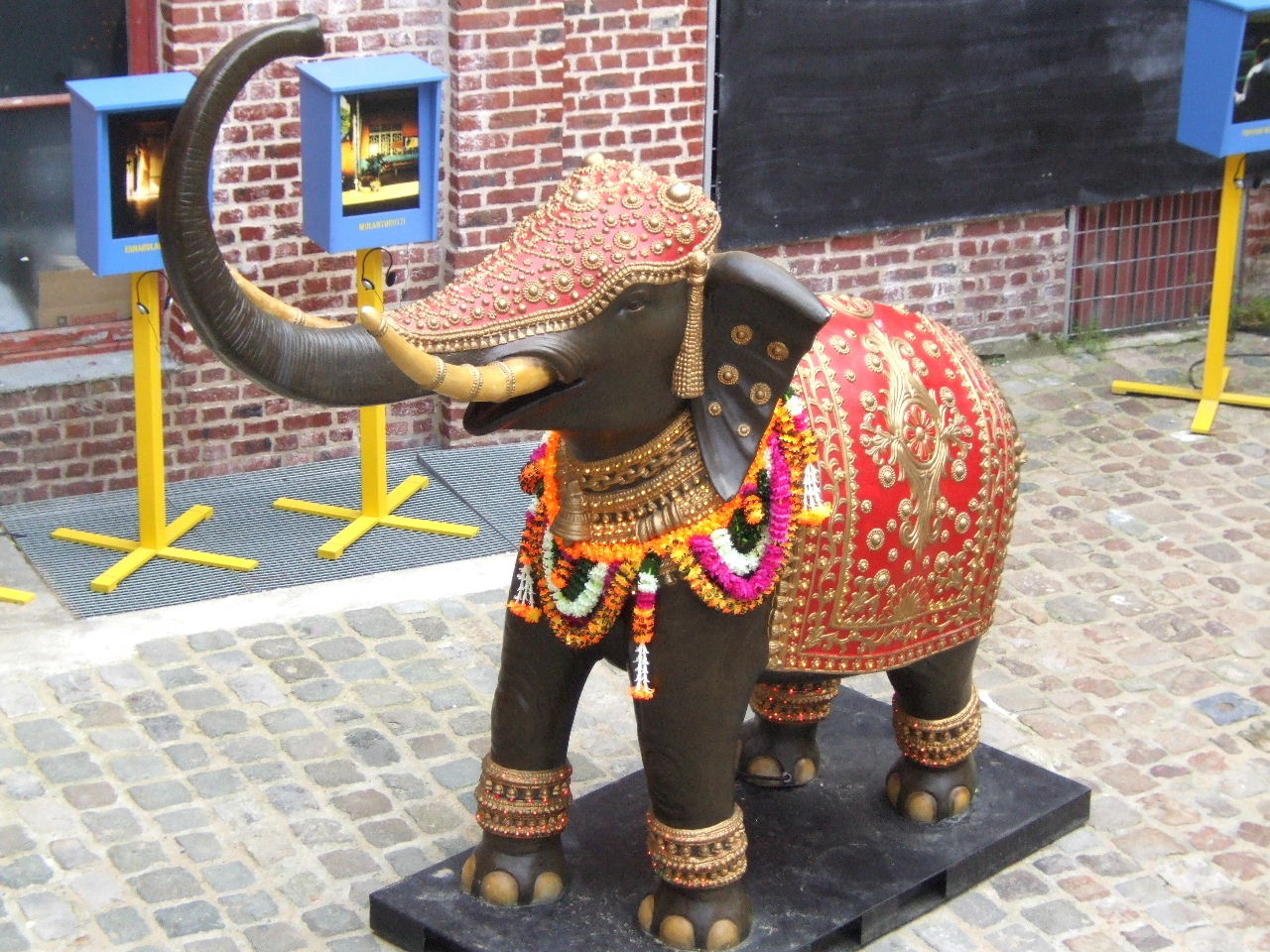 |
Format : 1280×960 |
Fond d’écran n°8
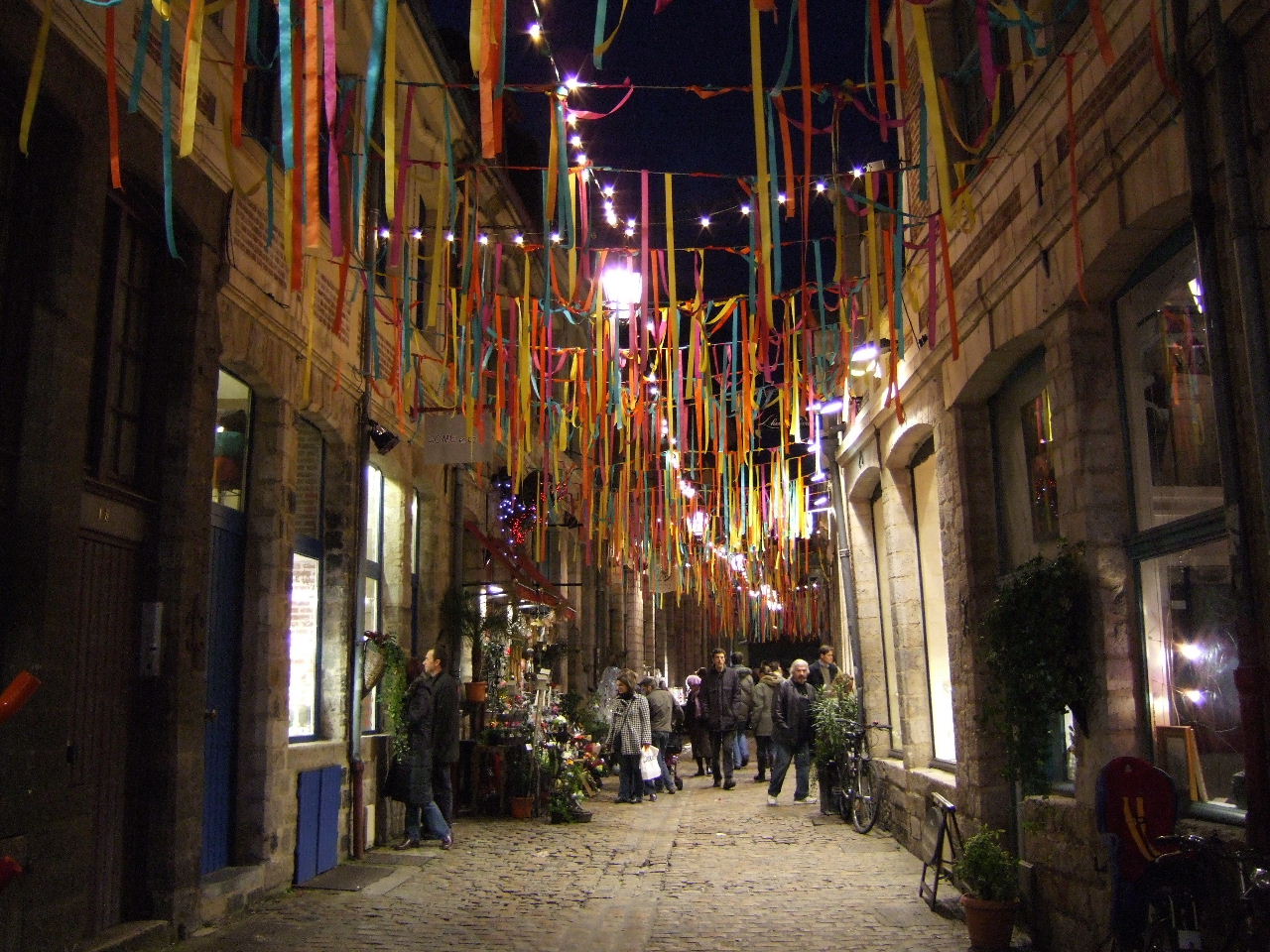 |
Format : 1280×960 |
Fond d’écran n°9
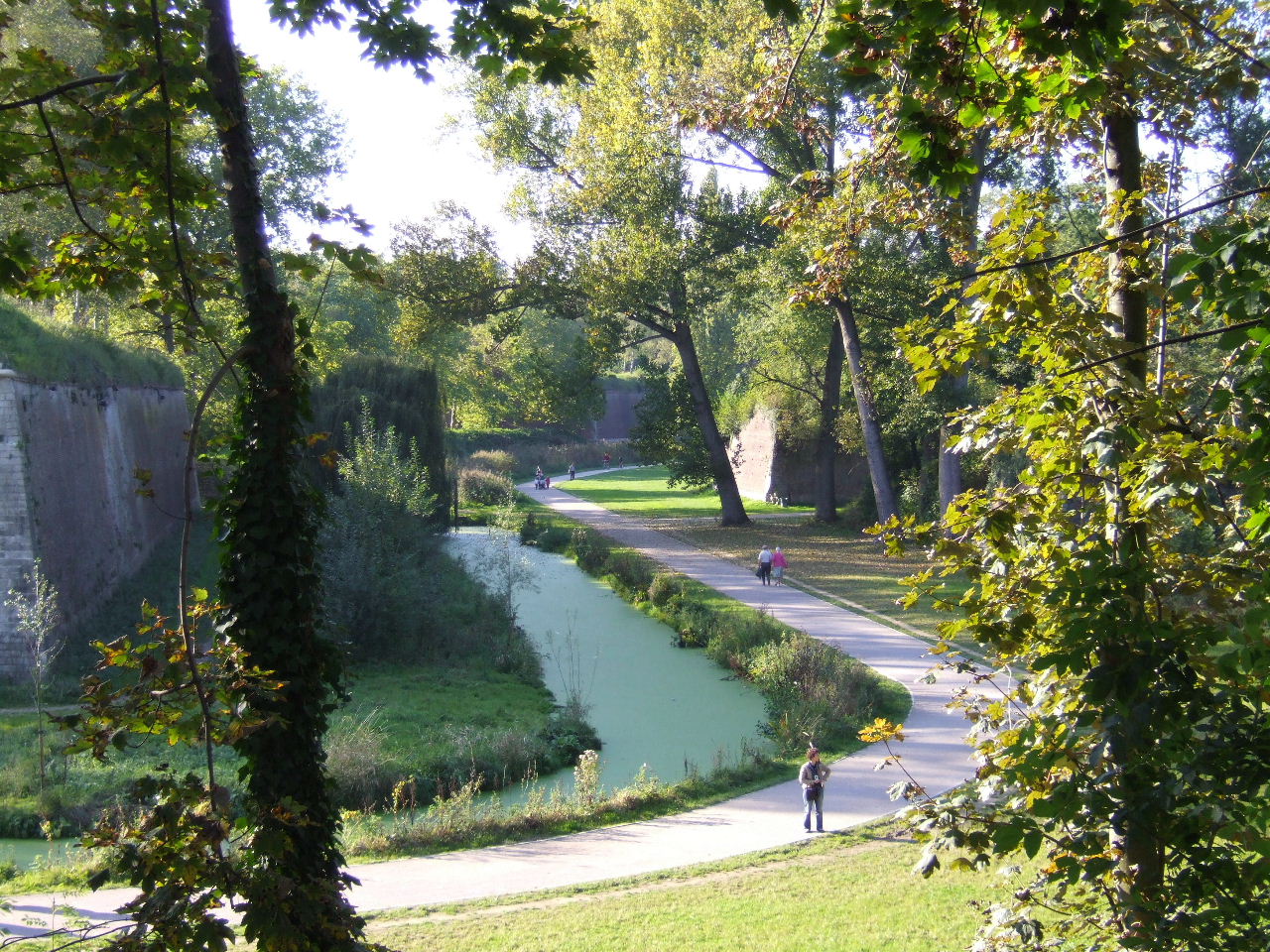 |
Format : 1280×960 |
Fond d’écran n°10
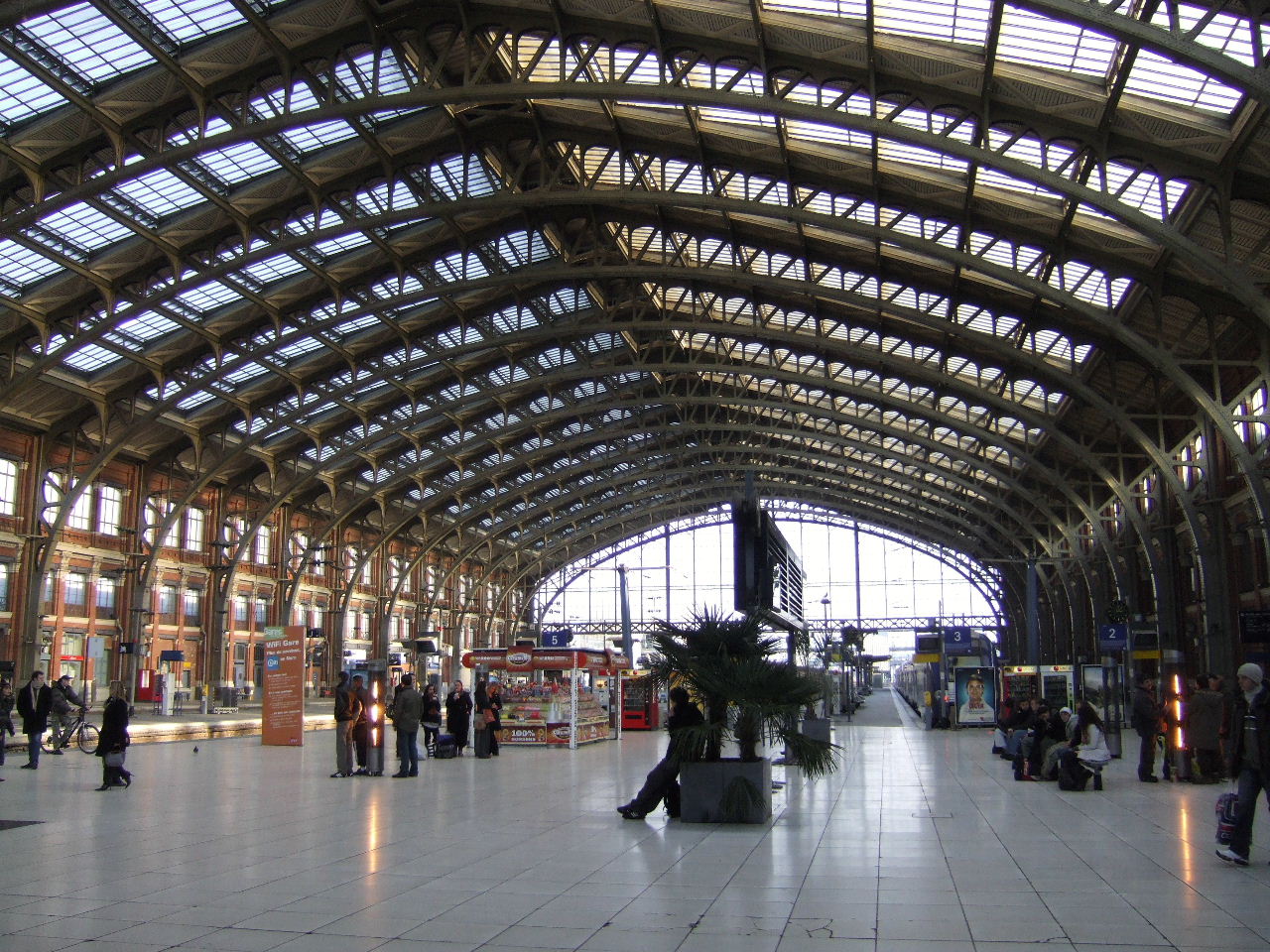 |
Format : 1280×960 |
Fond d’écran n°11
 |
Format : 1280×960 |
Fond d’écran n°12
 |
Format : 1280×960 |